

Download A4DeskPro Website Design – website design tool, flash website creator, template-based website builder, easy website creation, no coding required
Overview
A4DeskPro Website Design is a productivity-focused tool designed to simplify the process of creating websites using Adobe Flash technology. It targets individuals with minimal programming or design experience who wish to launch a functional website quickly and efficiently. The application serves as a bridge between creative vision and digital reality, enabling users to transform ideas into fully functional web pages without requiring technical expertise.
By offering over sixty customizable templates, A4DeskPro reduces the time and complexity traditionally associated with web development. This makes it particularly suitable for small business owners, freelancers, and entrepreneurs who need a professional-looking online presence but lack access to developers or extensive training. The tool’s emphasis on rapid deployment supports urgent projects or time-sensitive launches, such as event promotions, product showcases, or personal portfolios.
Although the developer did not provide additional technical details, the application’s longevity since its release in 2013 suggests a stable and reliable core functionality. Its continued relevance in the niche of template-based website creation underscores its value in a market where ease of use often outweighs advanced customization. The tool contributes meaningfully to the broader ecosystem of digital tools by democratizing website creation and lowering the barrier to entry for non-technical users.
Key Features & Functionality
- User-Friendly Interface: The application features an intuitive layout that allows users to navigate through design sections without prior experience. This accessibility ensures that even first-time users can begin building a website within minutes.
- Diverse Template Selection: With over sixty pre-designed templates, users can choose from various styles and layouts tailored to different industries and purposes, such as business, portfolio, or e-commerce.
- Easy Customization: Users can modify text, images, colors, and layout elements through simple input fields, enabling quick personalization without requiring graphic design or coding skills.
- Direct FTP Upload: Once the website is finalized, users can publish it directly via FTP, streamlining the deployment process and eliminating the need for third-party tools.
- Quick Setup and Launch: The entire workflow—from concept to live site—can be completed in under an hour, making it ideal for time-sensitive projects or users with limited technical bandwidth.
For example, a local artist could use A4DeskPro to create a digital portfolio in less than an hour, upload it to their hosting provider, and begin showcasing their work online. Similarly, a small business owner could launch a promotional site for a seasonal product with minimal effort, leveraging the built-in templates and one-click publishing.
Interface, UX & Performance
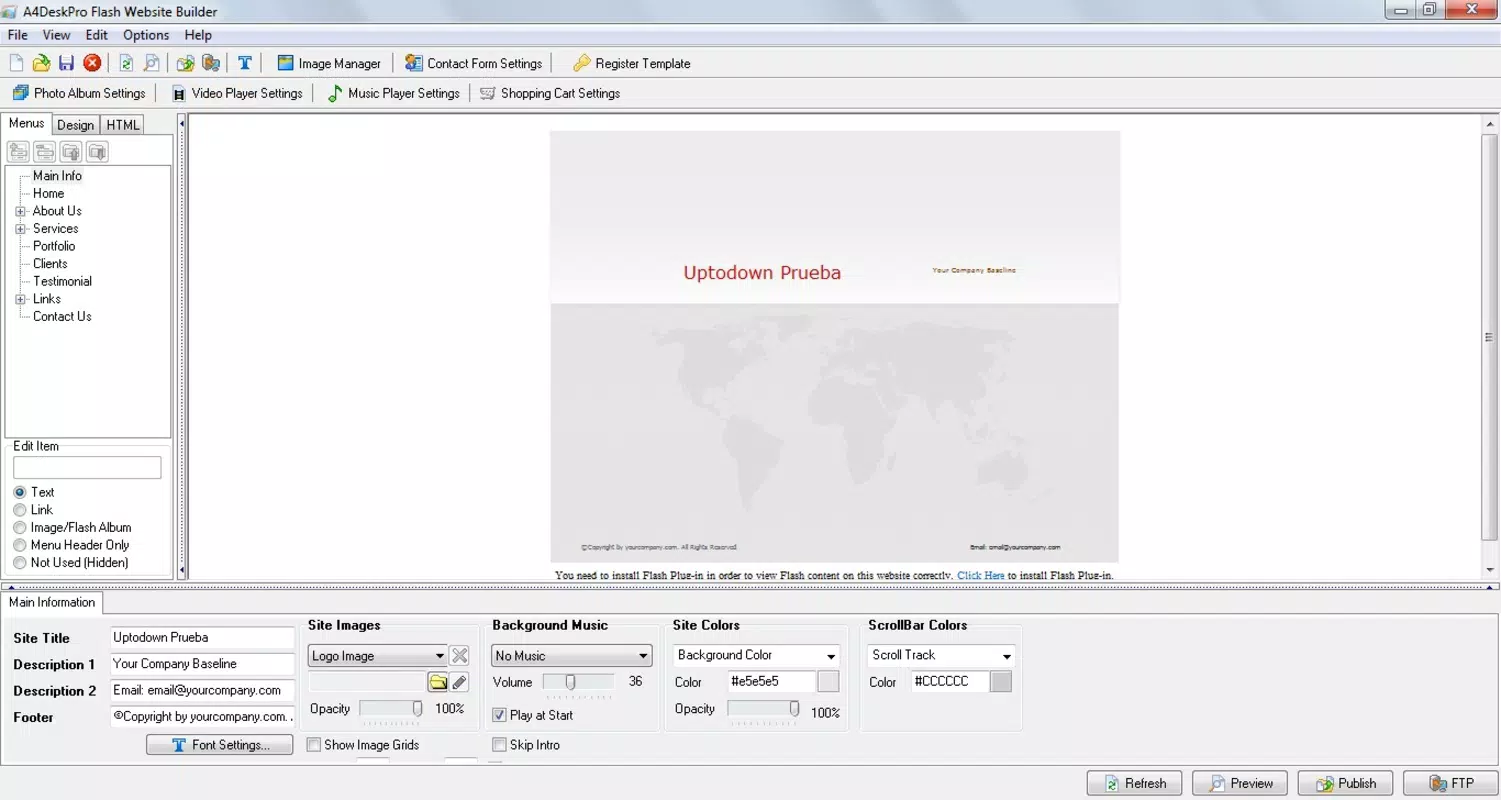
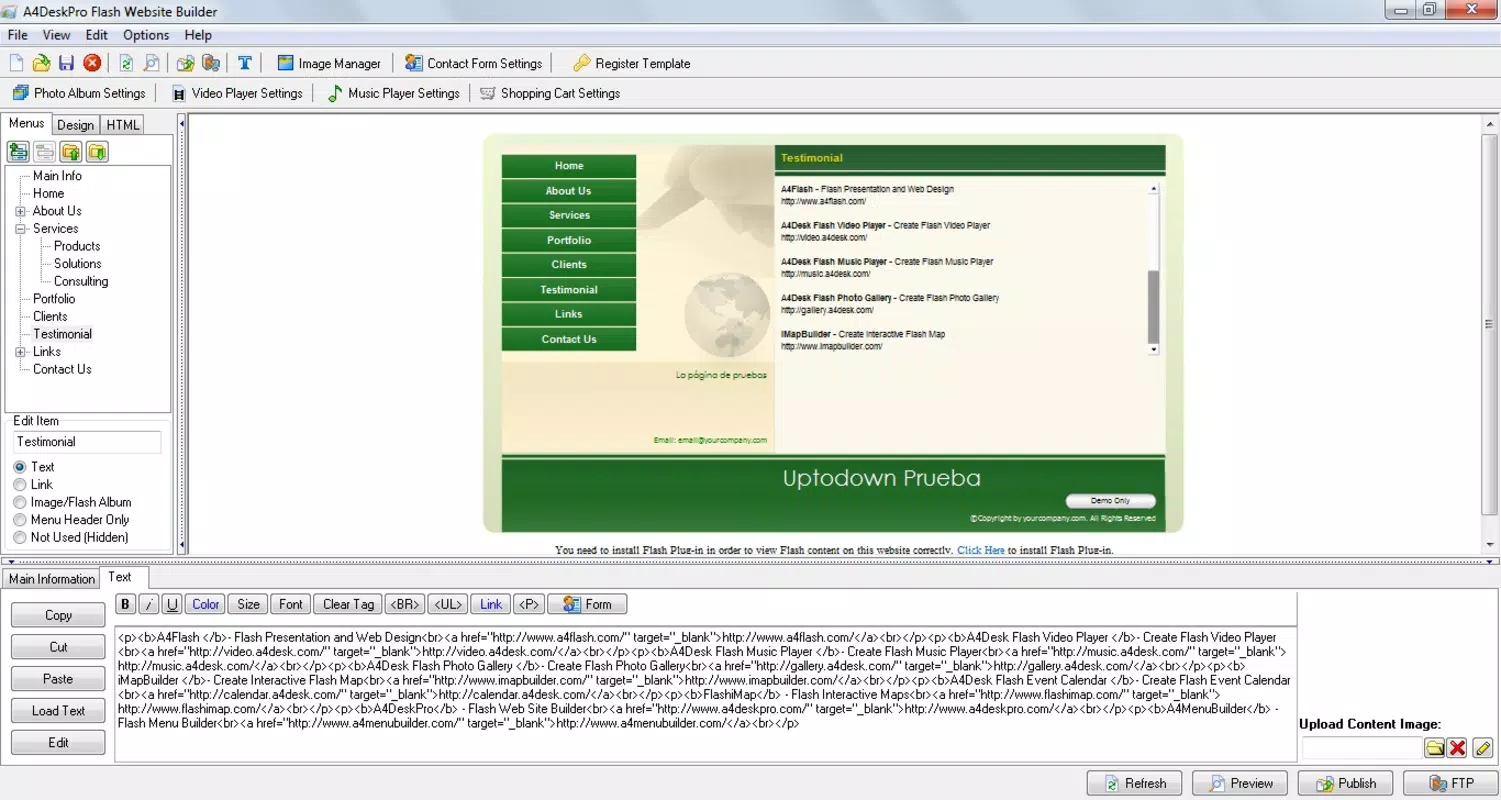
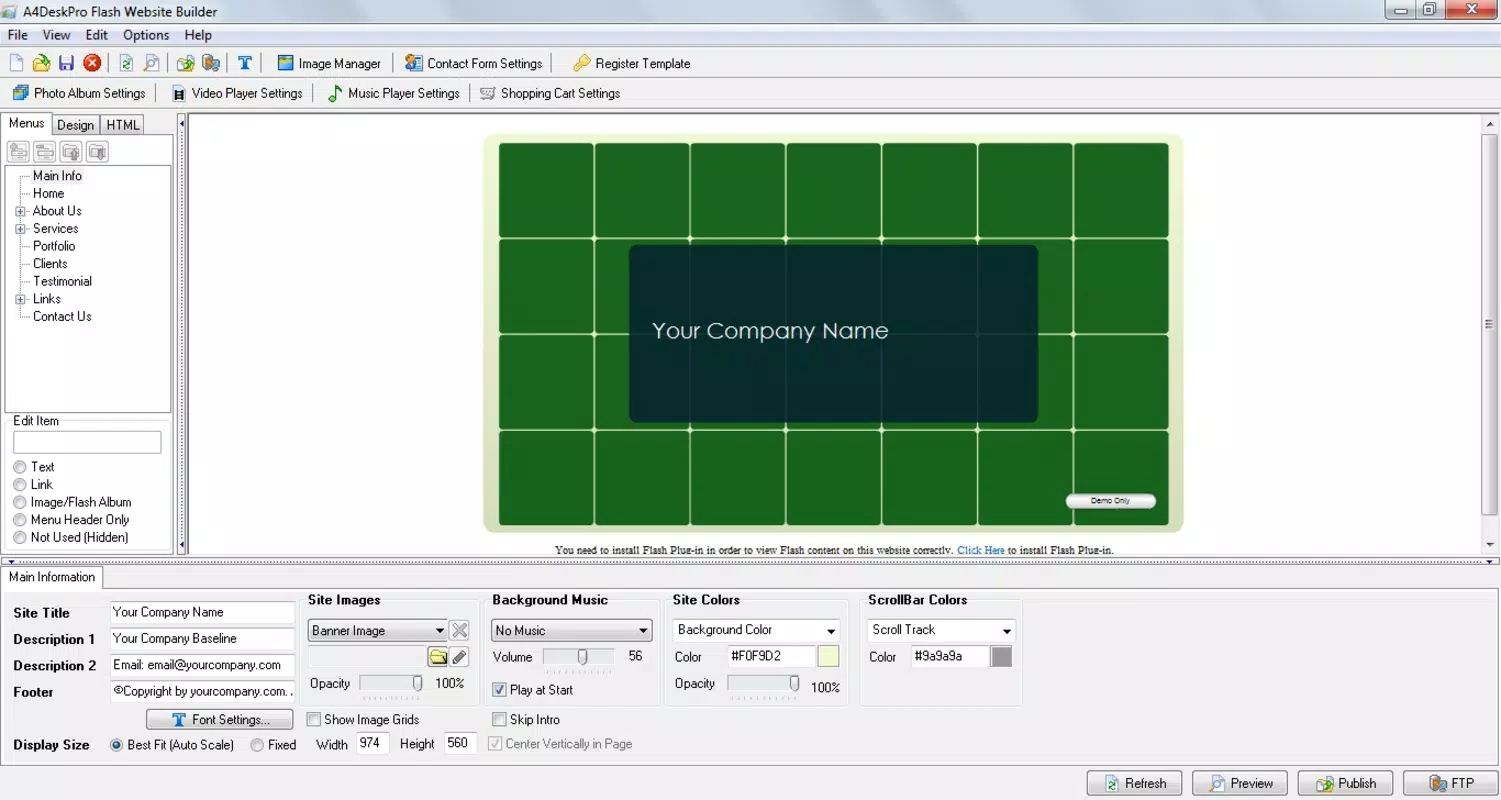
The user interface of A4DeskPro Website Design is structured around simplicity and clarity. Navigation is organized into logical sections, allowing users to move seamlessly between template selection, content editing, and publishing. The visual style is functional, prioritizing usability over aesthetic flair, which aligns with its target audience of non-technical users.
Interaction design emphasizes efficiency—common tasks like adding images or changing text are accessible through straightforward forms and drag-and-drop elements. While the developer did not list formal performance metrics, the application’s lightweight size of 12.5 MB suggests it operates smoothly on standard Windows systems. Although the developer did not specify minimum OS requirements, the application is expected to run on most modern Windows environments.
Responsiveness and stability are likely maintained through consistent internal processes, though real-world testing across different device categories was not disclosed. The absence of reported crashes or errors in public records indicates a generally stable experience. However, users should be aware that the application is based on Flash technology, which may affect compatibility with newer systems that no longer support Flash content.
Platform Compatibility & Technical Requirements
A4DeskPro Website Design is available exclusively for the Windows platform. The current version is 1.0.0, with a file size of 12.5 MB. This compact footprint makes it suitable for installation on systems with limited storage capacity.
Although the developer did not specify minimum OS requirements, the application’s release date of October 23, 2013, indicates it was originally built for older Windows versions. Users running modern Windows 10 or 11 systems may encounter compatibility challenges due to the reliance on Adobe Flash, which has been deprecated and removed from most browsers and operating systems.
For users seeking to run the application today, it may require legacy environments or compatibility modes. The lack of updated technical specifications limits clarity on current functionality, especially regarding integration with modern web standards and hosting services.
Pros and Cons
Pros
- Intuitive interface suitable for beginners with no coding or design experience.
- Over sixty customizable templates offer diverse design options for various use cases.
- Direct FTP upload simplifies the publishing process and reduces reliance on external tools.
- Fast setup and launch—ideal for urgent or time-sensitive website needs.
- Compact file size ensures minimal system resource usage.
Cons
- Relies on Adobe Flash technology, which is no longer supported on most modern systems.
- Platform is limited to Windows; no versions available for macOS, Android, or iOS.
- Developer did not provide updated technical requirements or compatibility information.
- Application has not been updated since 2013, raising concerns about long-term viability.
- May not be compatible with current web hosting environments or security standards.
FAQ
Is A4DeskPro Website Design safe to download and install?
The application is distributed by its official developer, A4DeskPro. However, due to its reliance on outdated Flash technology and lack of recent updates, users should exercise caution and ensure their system is secure before installation.
Can I use A4DeskPro on macOS or mobile devices?
No, the application is only available for Windows. There are no official versions for macOS, Android, or iOS devices.
Does A4DeskPro require an internet connection?
An internet connection is required for the initial download and for uploading the website via FTP. However, the application itself can be used offline once installed.
What should I do if the app doesn’t run on my Windows 11 system?
Due to the use of deprecated Flash technology, the application may not function properly on newer Windows versions. Users may need to run it in compatibility mode or use a virtual machine with an older Windows environment.
Are there any updates or new versions planned?
The developer has not released any updates since the initial version in 2013. There is no public information indicating future development or version releases.
Final Thoughts
A4DeskPro Website Design remains a notable example of early template-based website builders that prioritized accessibility over complexity. Its ability to help non-technical users create and publish websites quickly was groundbreaking at the time of its release. However, its reliance on obsolete Flash technology and lack of modern updates significantly limit its practicality today.
For users with older Windows systems and a need for a simple, no-code website solution, it may still offer value. But for most modern users, the risks associated with outdated software and compatibility issues outweigh the benefits. The tool’s legacy is clear, but its future relevance is questionable.
Download A4DeskPro Website Design now


